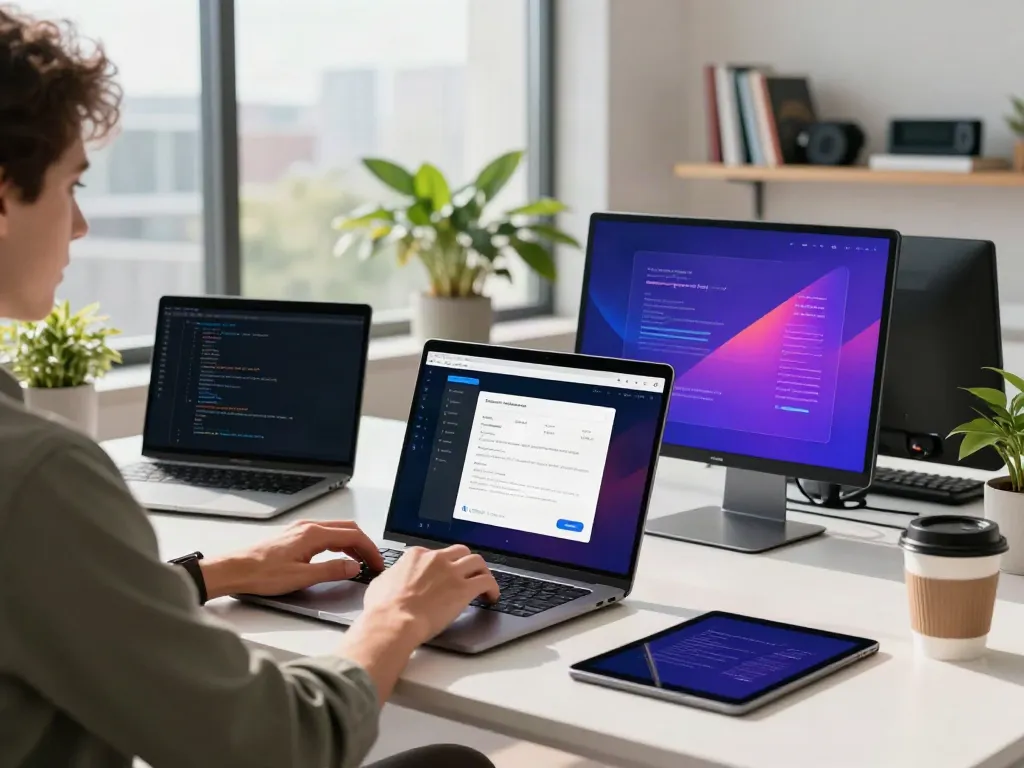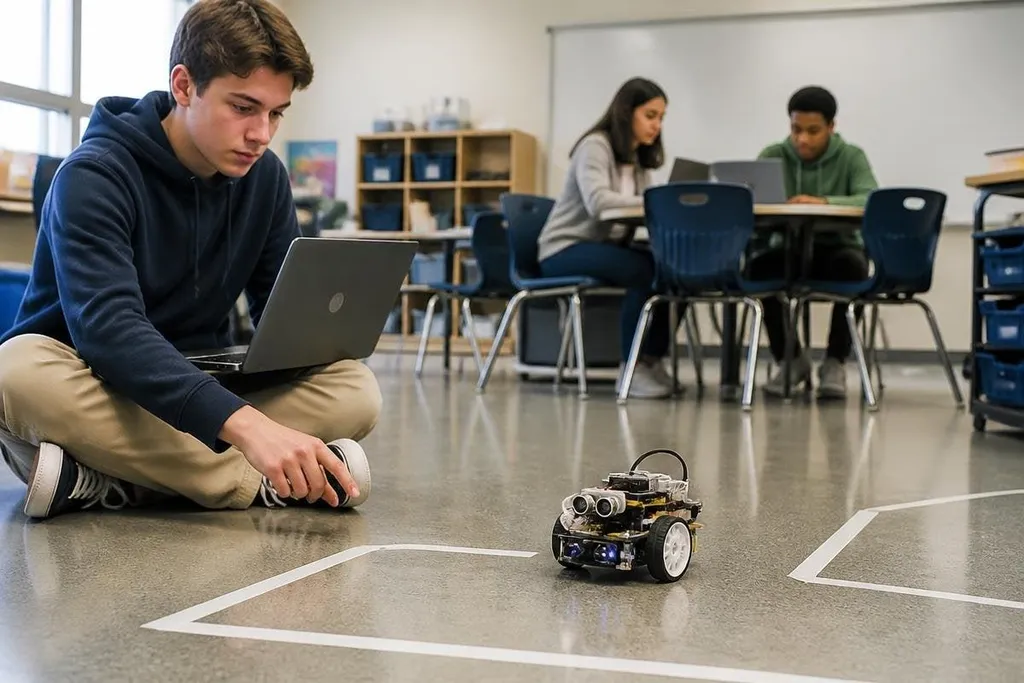
An educational robot turns code into movement: a student changes a command, then watches a motor respond. That link between software and a physical result can make lessons easier to test, but it also adds cost, setup work, privacy questions, and new ways for a class to get stuck.
Quick read
- Robots give students a visible way to test code, sensors, and control logic.
- Teachers need a lesson plan for dead batteries, broken parts, and network faults.
- A low-cost kit may fit a classroom better than a complex robot with more features.
What students can learn
A robot gives each programming command a physical result. A loop can move a wheel several times, a sensor can trigger a turn, and a mistake can send the robot into a wall. Students can test one change at a time because the result happens in front of them.
That setup also joins several school subjects. A class can use geometry to plan a route, physics to discuss friction, and computer science to write the control code. The robot does not replace those lessons. It gives students a machine they can measure while learning them.
The same lesson can serve different skill levels. A beginner might change a speed value or draw a path with block code. An older student can work with Python, motor control, sensor readings, or the Robot Operating System (ROS), a set of software tools used to build robot programs.
Failure has value here. A robot that stops at the wrong place gives the class a clear problem to inspect, provided the teacher has enough time to guide the test instead of fixing every error for the students.
Where the risks start
The first risk is practical. Robots need charging, storage, software updates, spare parts, and time for setup. A lesson planned around ten working units changes shape when two batteries are empty and one wheel has come loose.
Teachers also need to check what data the robot collects. A camera, microphone, location sensor, or online account can create privacy concerns, especially when students are minors. The school should know where data goes, how long it stays there, and which settings can turn collection off.
Safety needs a clear rule before the first activity. A moving robot can pinch a finger, pull a cable, or strike a student if its speed and route are poorly set. Small wheeled robots may need a marked test area, while a robot arm needs a larger exclusion zone and an accessible emergency stop.
Cost creates a second layer of risk. The purchase price may cover the robot but leave out batteries, chargers, classroom software, replacement motors, training, and storage. A school weighing a kit should count the full first-year cost rather than compare product prices alone.
A teacher can compare a kit’s full first-year cost with named robot tasks reported by Robot24. That keeps a low purchase price from carrying the whole decision. The next test is practical: does the robot give students useful work to do?
What makes a classroom robot useful
The best fit depends on the lesson and the people running it. A robot with fewer parts may give a teacher more usable class time than a larger system that needs a specialist to keep running.
Look for a clear way to start, then check what happens when the class moves past the first activity. Can students read the code? Can a teacher reset every unit? Does the maker publish repair steps? Are replacement parts sold separately?
I’d buy the simpler kit when the goal is regular class work, because a robot that runs every week teaches more than a richer system that stays in its box.
A school should also check access. If only one student can control the robot at a time, the rest of the class may become spectators. Pair programming, shared test roles, and written logs can give more students useful work while one person runs the machine.
A buying checklist
Use this list before a purchase order reaches the school office:
- Set the lesson goal: name the skill students must practice, such as loops, sensors, or path planning.
- Count the full cost: include chargers, batteries, spare parts, software, storage, and teacher training.
- Test the reset process: make sure a teacher can return every robot to a known state between groups.
- Check data controls: identify cameras, microphones, accounts, cloud storage, and deletion settings.
- Mark the safe area: set speed limits, boundaries, cable rules, and emergency-stop access.
- Plan for failure: keep a non-robot version of the task ready for a dead battery or broken part.
That last point protects the lesson from becoming a repair session. Students can still study the same control idea with a simulator, paper route, or code trace while the hardware waits for a replacement part.
Educational robots earn their place when they give students repeated chances to write, test, measure, and fix. The practical test is simple: after the first month, are students doing more thinking, or are teachers spending the period keeping machines alive?